Download & Login
Download
The codeto app is available in the App Store (iOS) and the Google Play Store (Android). Simply search for codeto to find and download the app.
Login
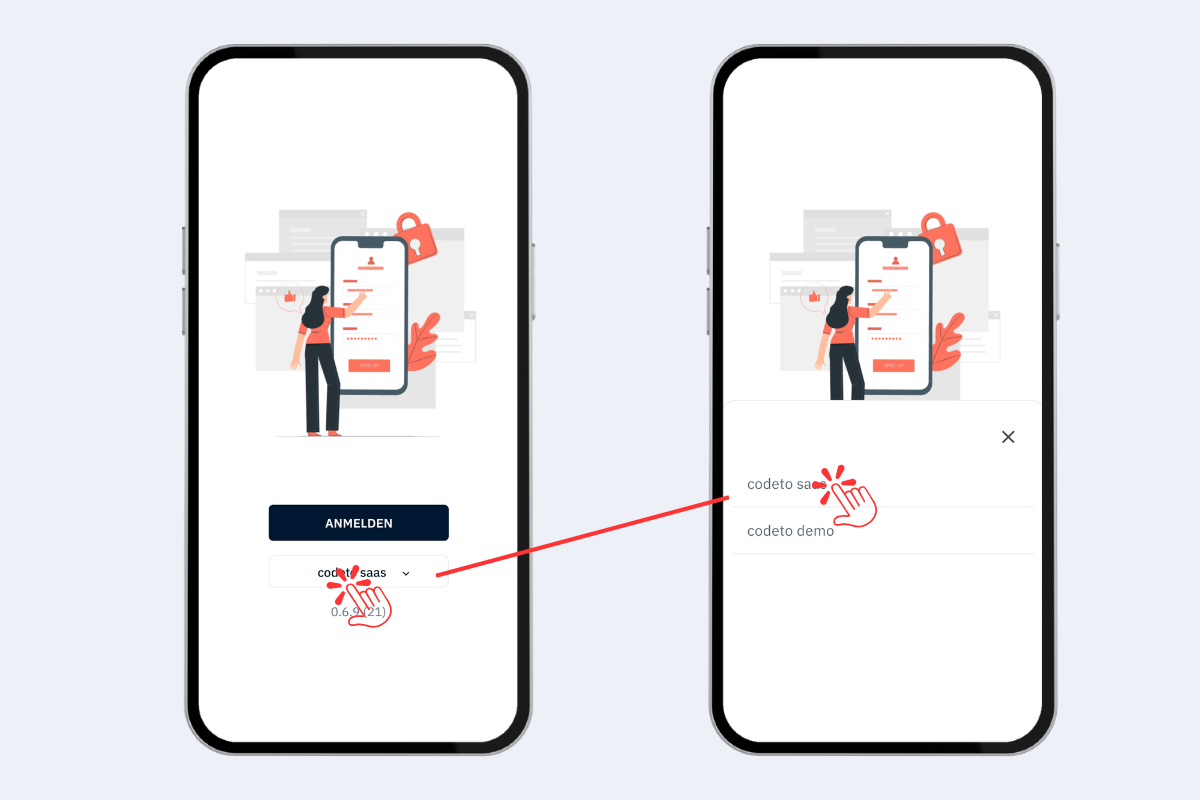
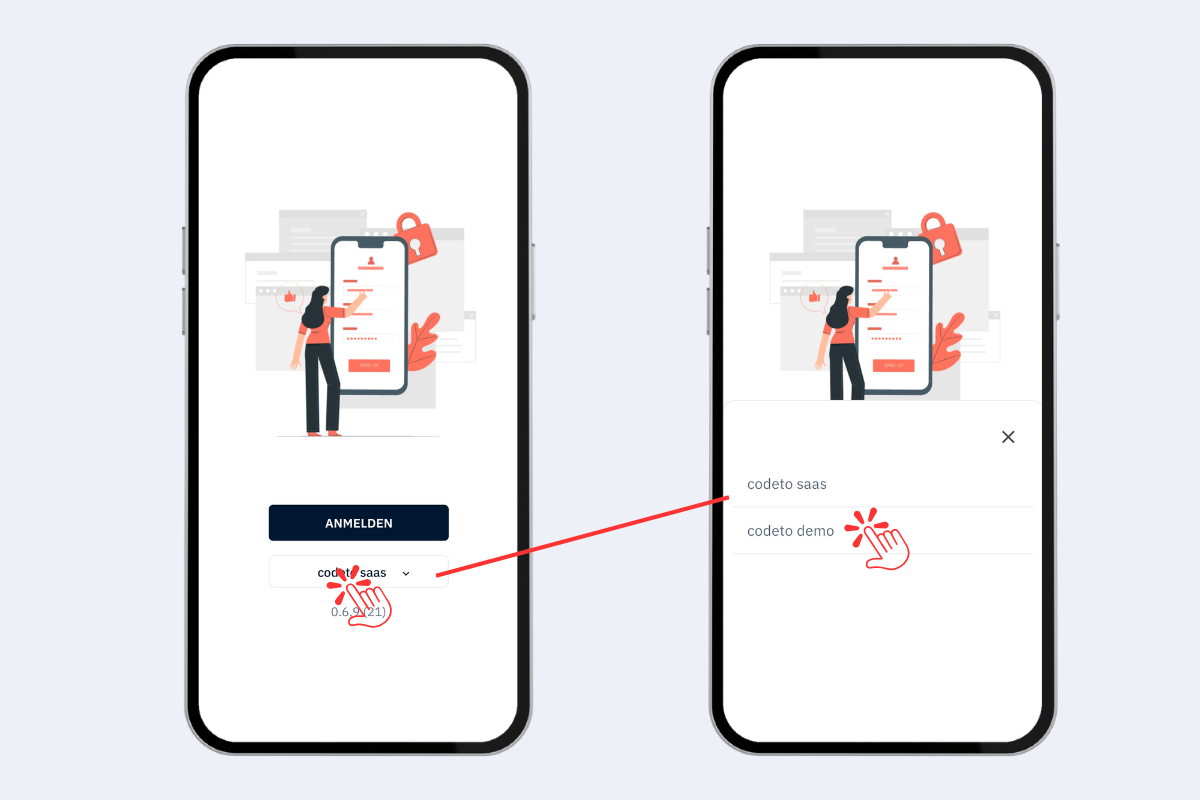
When logging in, you need to select the correct environment:
- codeto SaaS – choose this option if you are using codeto productively.
- codeto Demo – choose this option if you want to test codeto and log in to the demo environment.
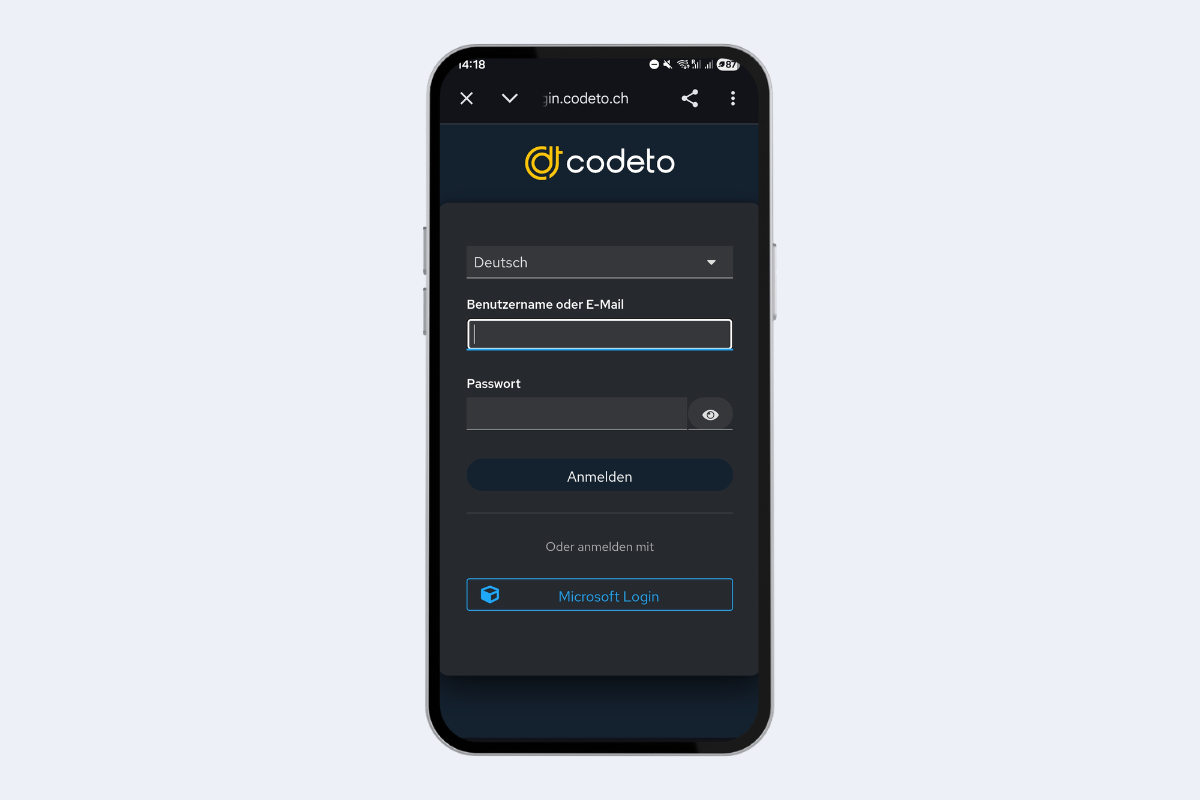
Log in with the username and password you received. When logging in for the first time, you will be prompted to set your own password.
If your company has set up SSO (Single Sign-On), you can also log in to codeto SaaS using your Microsoft account. Simply click on Microsoft Login.